Google Play Store PC
Google Play is Google's digital distribution platform. On Windows, Google offers Play content through the browser and Google Play Games on PC.
52.9 MB

2.0.0 · Koplayer Team · Page updated
KOPlayer is a free Android emulator for Windows that runs mobile apps and games on a PC; it has not been updated for a long time.
Average 0.0 · ratings: 0
Thank you! Your rating is saved; you can change it. Could not save the rating. Please try again later. Too many ratings from your network today. Please try again tomorrow. The average appears after 5 ratings.
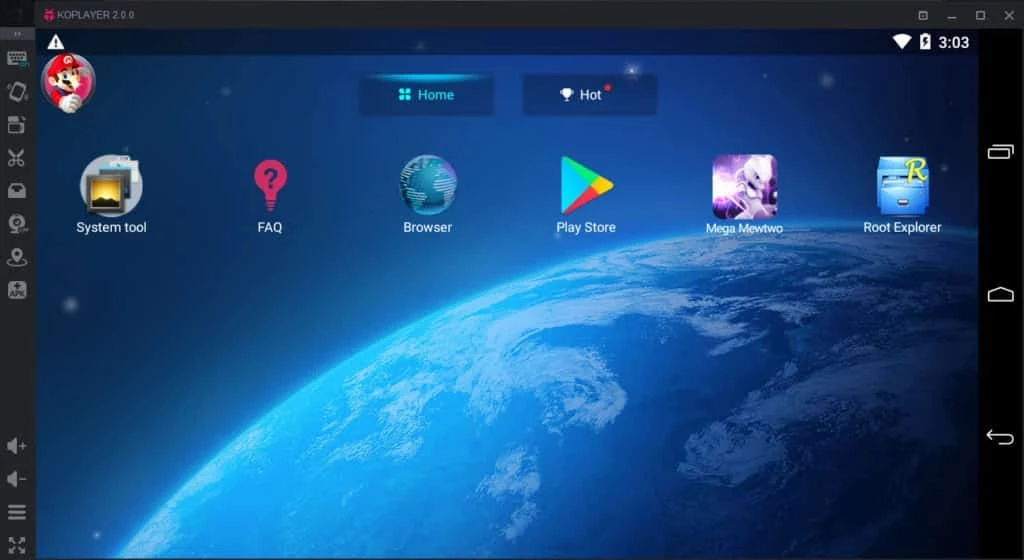
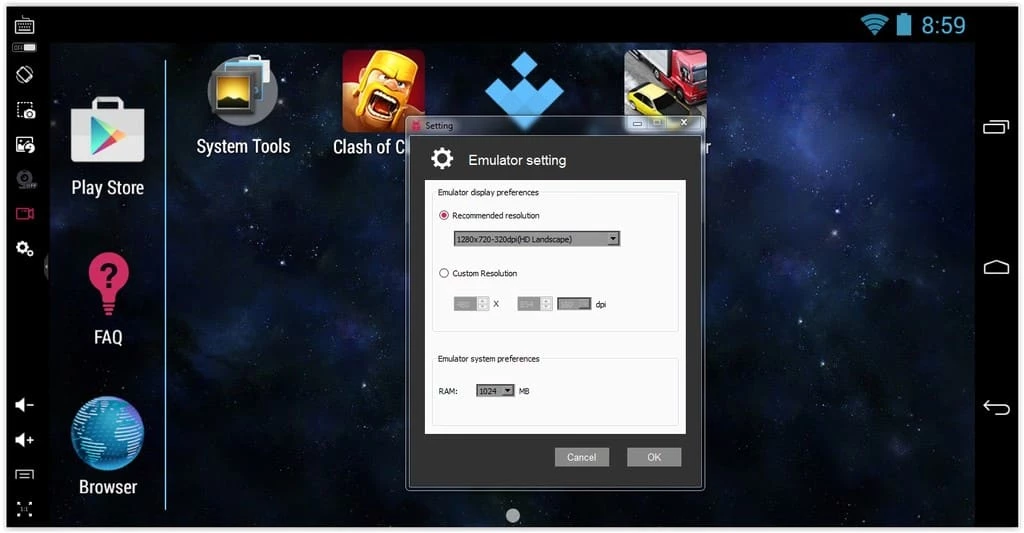
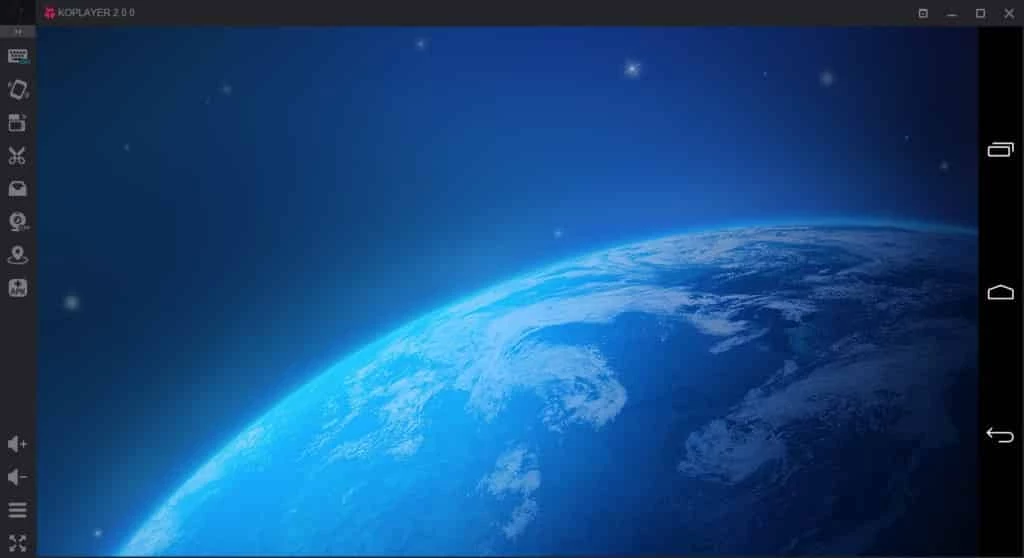
KOPlayer 2.0.0 is a free Android emulator for Windows from the Koplayer Team. You download KOPlayer to run Android apps and games on a PC with a keyboard, mouse and big screen, but keep in mind that the program has not received updates for a long time.
An Android emulator creates a virtual Android device inside Windows. KOPlayer boots a full Android system in a window, with a home screen, settings and an app store, so you can install mobile apps as on a tablet. It became known among gamers for keyboard mapping: you place virtual buttons over the game screen and control movement and actions with keys and the mouse. It also offers screen recording, several instances of the emulator at once, file sharing between Windows and the virtual device, and installing APK files by dragging them into the window. The weak point today is age. KOPlayer runs on an older base version of Android and has not been updated for years, while apps and games raise their minimum Android version over time. Many current titles will refuse to install or will crash, and security fixes for the virtual system do not arrive.
A Windows PC with enough memory and free disk space for a virtual Android device, and a processor with virtualisation support. Modern antivirus or Hyper-V settings may conflict with older emulators; if KOPlayer does not start, check whether other virtualisation features are enabled.
An emulator that no longer gets updates is not a good place for your main Google account, banking apps or anything sensitive. Use a secondary account, download only from the official site, and avoid APK files from unknown sources.
KOPlayer is free and supported by ads and recommended apps inside the emulator.
KOPlayer can still make sense for older games and apps that were popular when it was current, or on a PC where it is already set up and working. For anything new, choose an emulator that is still maintained.
Actively developed emulators on our site include BlueStacks and LDPlayer. If you only need to install a few Android apps, APK Installer for PC is another option.
Google Play is Google's digital distribution platform. On Windows, Google offers Play content through the browser and Google Play Games on PC.
Media Creation Tool is a free Microsoft utility that downloads Windows and turns it into a bootable USB flash drive or an ISO file.

LDPlayer is an Android emulator for Windows that runs mobile apps and games on a computer.

BlueStacks is an Android emulator for Windows that lets you run Android apps and games on your PC.
Rufus is a free Windows utility that turns a USB stick into a bootable installer. The current version is 4.15.

PC App Store is a free software store for Windows from Baidu for finding, installing and updating PC programs. This page covers version 5.0.1.8682.

Uptodown App Store for Windows is the desktop client of Uptodown, a marketplace for desktop software and mobile apps. This page covers version 1.0.3.
NoxPlayer is a free Android emulator from Bignox for Windows and macOS that runs mobile games and apps on a computer with keyboard and mouse control.